The short answer
An L-shaped sit-stand desk gives you a lot more surface for the floor it occupies, and it changes three things you have to check. It adds a third leg, usually in the corner, which eats the under-desk bay where a pedestal or a walking pad would go. It is frequently driven by a single motor rather than one per leg, which costs lift speed and some stability at full height. And it has a handedness — the return goes left or right — so most are sold as reversible and you need to know which way your room runs before you order. A VIVO corner desk listed at 63" x 55" publishes a 225 lb capacity on three legs with a single motor and four memory presets, which is a fair picture of the category.
The short answer
Corner desks are bought for surface area and regretted for the under-desk bay. If you are choosing between an L and a wide rectangle, decide what goes under the desk first — that is usually the question that settles it.
|
| Surface per wall | Two runs at 90 degrees | One run |
| Legs | Usually three, one near the corner | Two, at the ends |
| Under-desk bay | Interrupted by the corner leg | Clear between the legs |
| Motors | Frequently one, driving all legs | Commonly one per leg |
| Orientation | Left or right handed; most are reversible | Not applicable |
| Measurements needed | Both wall runs plus a diagonal chair exit | One wall run |
The third leg, and the bay underneath
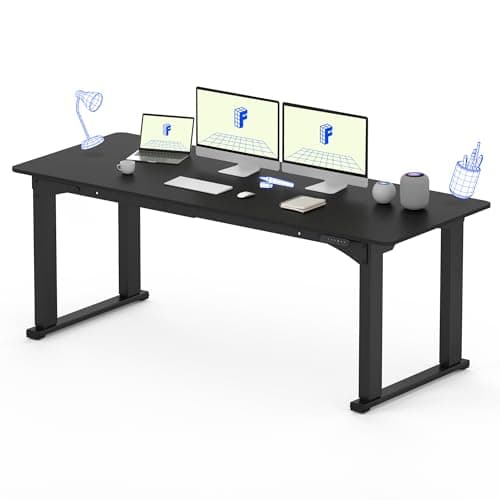
A rectangular sit-stand desk has two legs at the ends and nothing between them, which is why a rolling pedestal, a tower or a walking pad fits so easily. An L-shaped frame adds a leg at or near the corner to carry the return, and that leg lands in the middle of the floor space.
Decide the under-desk bay before the desktop shape
A walking pad needs a clear rectangle roughly four feet long. A rolling file needs about two feet of width and clear height at the desk's LOWEST setting. A corner leg can rule out one or both, and no amount of desktop makes that back.
This is the same trade the four-leg desks make for a different reason — four-leg versus two-leg works through what the extra legs buy and what they cost.
Motor count is the spec to check
Plenty of corner desks run three legs from one motor through a drive shaft. That is a genuine cost saving and it is not automatically bad, but it has consequences: single-motor frames generally travel more slowly, carry less, and are more sensitive to an unevenly loaded top — which an L-shaped surface is, almost by definition, because the return usually holds the monitors.
If the listing does not state motor count, treat it as single until proved otherwise. Single versus dual motor covers what the difference means in practice.
Reversible, and why it matters at checkout
Most corner desks are sold as reversible: the return can be assembled on the left or the right. That is the feature that saves you from ordering the wrong hand, and it is worth confirming rather than assuming, because a fixed-hand desk in the wrong orientation is a return rather than a rebuild.
Check also whether reversing it moves the control panel. On some designs the handset ends up on the far side of the return from where you sit, which is a daily annoyance rather than a fault.
The two measurements to take
A rectangle needs one wall measurement. An L needs two, and the mistake people make is measuring the walls and forgetting the chair.
- Each wall run, floor to the first obstruction — a radiator, a door swing, a skirting board that the frame has to clear.
- The diagonal exit. You sit in the corner of an L, so you need room to get the chair out past the inside angle. People lose about a foot here that they never measured.
Then run your own height number before you commit to anything — the calculator takes about thirty seconds and rules out more desks than the shape does.
When a rectangle wins
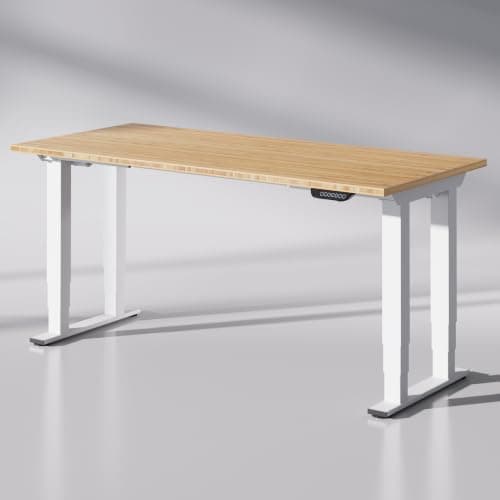
A wide rectangular desk gives you a clear bay, two motors, a simpler frame and usually a better published height range for the money. If what you actually want is more surface rather than a corner, that is the cheaper way to buy it — a 72" or 78" top is a lot of desk.
Six-foot desks is the page for that, and desks for two people covers the widest ones we rank.
From the picks
The wide rectangles we rank
Best stability at six feet
The answer to the problem a wide top creates rather than solves. Four legs put support under the span a two-leg frame leaves unsupported, and it arrives as a finished 78" x 32" desk rather than a frame you have to pair a top with.
Four legs, 440 lb of lifting capacity and a 51.57" ceiling under a finished 72" x 30" top. It is the heaviest-duty desk we rank, and it is the only one that answers height and span at the same time.
UPLUPLIFT DeskV3 Standing Desk FrameNo licensed photo yet
Best current-generation buy
The V2's replacement, and the one that will actually be in stock. UPLIFT puts the range at 22.6" to 48.7" — a lower floor than the V2, which matters more than the ceiling for most people — on the same 355 lb rating and 15-year warranty.