The short answer
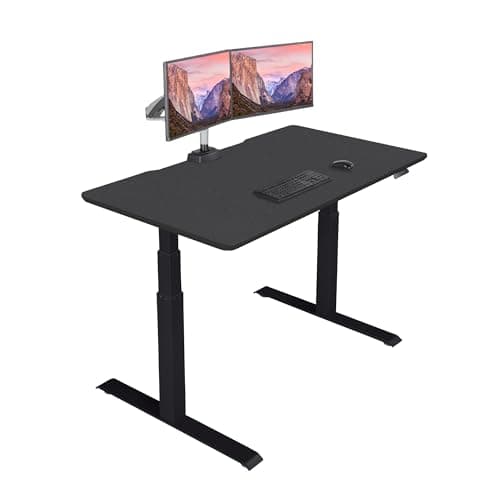
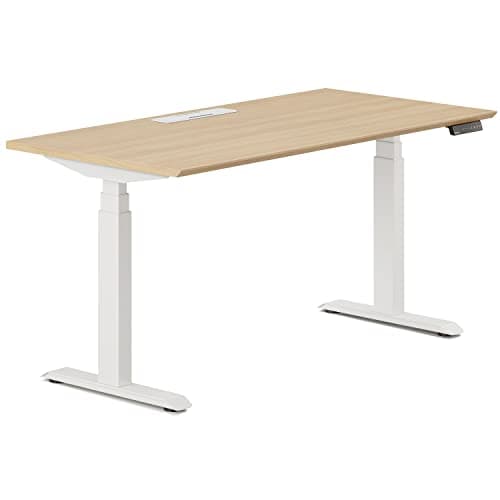
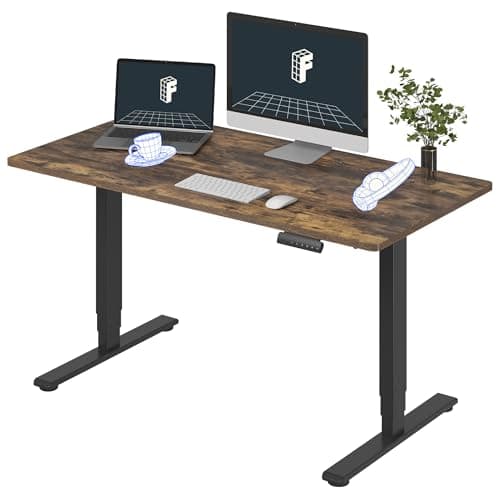
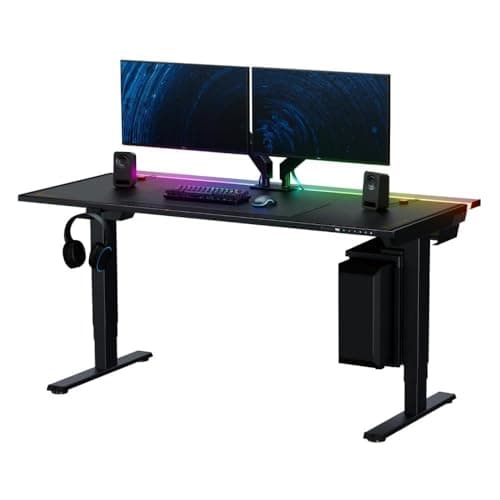
The UPLIFT V3 is the best standing desk for a home office: 355 lb of lifting capacity, a 22.6 to 48.7 inch range UPLIFT says fits over 95% of users, and a 15-year warranty whose text names the desktop, frame, motors and electronics — which matters far more when you are the person who has to claim on it. If you do not want to spend an hour on the floor with a hex key, the Vari Electric Standing Desk ships fully assembled with a lifetime defect warranty. If the desk has to look like furniture in a room people live in, the Branch Standing Desk is the one that does, on a 30-inch-deep top. The FlexiSpot E6 is the value pick for a spare room, and the Secretlab MAGNUS Pro is the answer if the cables are the visible problem.
What a home office actually tests
This site already ranks desks on the three specs that decide whether a desk still works for you in year five — height range, rated capacity and what the warranty covers. The flagship ranking does that job and this page does not repeat it.
A desk in a house gets tested on a different list, because a house is not an office. In an office, someone else builds the desk, nobody can hear it over the HVAC, it stands in a bay of identical desks, the cables drop into a floor box, and a facilities manager handles the warranty. Take all of that away and six new things start to matter.
- Who assembles it. You do, on the floor, probably alone, with a top that weighs 40 to 60 lb.
- What it sounds like. At 6am, through a wall, with someone asleep behind it.
- Whether it looks like furniture. It is in a room you live in, and it is behind you on every video call.
- Depth. Not just for monitors — for a camera, a light and a viewing distance.
- Cables. One wall socket, no floor box, nothing to hide behind.
- Whether two people can share it. Home desks get shared far more than office desks do.
Every ranking below is against that list. If your binding constraint is the size of the room rather than any of this, the small-space roundup budgets the floor before the desktop and reaches a different conclusion on purpose.
1. Who assembles it
This is the most underrated specification in the category and it is almost never printed on a listing.
A full-size sit-stand desk arrives as a frame in one box and a top in another, and the top is the problem: a 55-inch laminated desktop runs 40 to 60 lb, and the standard assembly method is to build the frame upside down on the top and then flip the whole thing. Doing that alone, in a bedroom, with a finished floor, is where desks get scratched and backs get pulled.
Vari solves it by shipping the desk built. That is the entire reason the Vari Electric Standing Desk ranks second here and does not rank near the top of the general desk ranking — assembly is close to irrelevant in an office and it is a real cost in a house. Vari also publishes a lifetime warranty against defects in material or workmanship under normal use, which is the longest coverage term of anything on this page.
If you are assembling it yourself
Build the frame on the carpet or on the flattened cardboard, not on bare floor, and do not fully tighten the top bolts until every one is started. Leave the hex key in the drawer afterwards: a sit-stand desk that develops wobble is usually a desk whose top bolts have loosened, and
that is the first fix to try before you blame the frame.
2. What it sounds like at 6am
In an office nobody notices a desk motor. In a house at six in the morning, with a bedroom on the other side of the wall, it is the difference between raising the desk and not bothering.
The published figures are the honest problem here. FlexiSpot states the E6 at under 50 dB; Branch describes dual low-decibel motors without publishing a number; UPLIFT, Vari and Secretlab do not publish an operating noise figure for these desks at all. These are manufacturer measurements taken under conditions nobody discloses, so they are not comparable between brands, and we are not going to rank on them as though they were.
What is comparable is the mechanism, and it points the same way every time. Two motors sharing the work turn more slowly than one motor doing all of it, so dual-motor desks are both faster and quieter than single-motor desks at the same travel speed — the full comparison is here. Every desk on this page is dual motor. That is not a coincidence; it is the filter.
The second mechanism point is travel time. Three-stage legs move the desk roughly twice as fast as two-stage legs at the same motor speed, so the noise event is half as long — why that follows is worth two minutes. Four of the five desks here are three-stage.
3. Whether it looks like furniture
We are specs-first on this site and we are not going to pretend an aesthetic judgment is a measurement. So here is the honest version: we judge appearance on three things you can actually check in a listing photograph, and nothing else.
- Is the frame visible from the front? Branch describes its desk as a frameless powder-coated steel structure with tapered feet, which reads as a table rather than as a lift mechanism with a board on it.
- Is the top one piece? A one-piece slab looks like furniture; a spliced top looks like office equipment. FlexiSpot specifies a one-piece FSC-certified wood top on the E6.
- What is the material? Secretlab builds the MAGNUS Pro deck in steel and also offers a bamboo-and-steel top, which is a deliberate design object rather than a laminate rectangle. UPLIFT lets you specify the top entirely, which is the only way to get exactly what your room wants.
The video-call point is worth stating plainly because it is the one nobody plans for: the desk is behind you on camera when you stand, and a desk at standing height puts its underside, its control box and every cable in frame. That is an argument for a tidy cable story and for a deeper top, not for a prettier finish.
4. Depth, for a camera as well as a screen
Depth is the specification most people get wrong, and a home office makes it worse by adding two objects an office desk does not carry.
A 27-inch monitor on its factory stand needs the base depth plus roughly an arm's length of viewing distance; add a keyboard and your forearms and a 27.5-inch-deep desktop is fully committed with one screen on it. Now add a webcam that has to sit above or beside the screen and a light that has to sit in front of the plane of your face, and the 27.5-inch desk is over-subscribed. The full sizing guide works through the numbers for one, two and three screens.
The number to check first
Thirty inches of depth. Two of the five desks here give it to you as standard — Branch in the configuration we rank, and UPLIFT as a factory option across its size range. The others are 27.5 to 30 inches depending on configuration. The cheap way to buy depth back on a shallower desk is
a clamped monitor arm, which removes the stand base and pushes the panel out over the rear edge — typically three to five inches recovered.
5. Cables, with one wall socket
An office desk drops its cables into a floor box. A home desk has one wall socket, probably behind it, and a desk that travels two feet vertically several times a day.
There are two real answers. The first is free and works on any desk: put a power strip on the frame so it rises with the desk, and run exactly one cable from the strip to the wall with enough slack for full extension. The method is written up here, and it costs about twenty dollars.
The second is to buy a desk that solves it structurally, which on this page means the Secretlab MAGNUS Pro. Its steel deck carries a magnetic cable channel, and it is the one desk we rank where the routing is designed in rather than bolted on — the cable-management ranking goes through it properly, including the fact that it is the only desk on the site with this built in.
A home-specific warning: if your socket is behind the desk and the desk is against a wall, you have no clear rear edge — which quietly rules out a clamped monitor arm. The arm-versus-stand checks will tell you in a minute whether that applies to you.
6. Whether two people can share it
Home desks get shared — between partners, between a parent and a teenager doing homework, between a day job and an evening hobby. Office desks essentially never do.
Sharing is a height-range problem, and it is the one place the general specs matter again. You need a desk whose range covers the taller person's standing number and the shorter person's seated number, which is a wider span than either individually. Run both people through the height calculator and compare the widest pair of numbers against the range.
Then check the presets. A shared desk needs saved heights or it becomes a desk nobody sets correctly: FlexiSpot gives the E6 four memory positions, Branch publishes four, Vari four, and the UPLIFT keypad is programmable. Four presets is two people with a sitting and a standing height each, which is exactly the arithmetic you want.
If one of the two people is much taller or shorter than average, the shared-desk plan may not survive contact with the specs — the tall-user ranking and the short-user ranking sort by the end of the range that actually eliminates desks.
The five, measured
|
| UPLIFT V3 | 22.6" – 48.7" | 24" or 30" factory tops | Self-assembly, frame and top | Programmable keypad | 15 years, naming desktop, frame, motors and electronics |
| Vari Electric Standing Desk | 25" – 50.5" | 30" on the 60x30 | Ships fully assembled | 4 | Lifetime against defects in material or workmanship |
| Branch Standing Desk | 25" – 52" | 30" in this configuration | Self-assembly | 4 | 10 years on Branch standing desks |
| FlexiSpot E6 | 23.6" – 48.8" | 27.5" | Self-assembly | 4 | 5 yr frame and motor, 2 yr electronics |
| Secretlab MAGNUS Pro | 25.6" – 49.2" | Per configuration | Self-assembly; the desk itself is 125 lb (150 lb XL) | Per control panel | 5 years |
Read the assembly column as a real line item, not a footnote. The Vari is the only desk here that arrives finished, and the MAGNUS Pro is at the other end: Secretlab publishes the 1.5m desk at 125 lb and the XL at 150 lb, which is a two-person unboxing in a house with stairs.
Read the warranty column for scope rather than length. UPLIFT's fifteen years explicitly names motors and electronics, and the control box and hand switch are where these desks actually fail. FlexiSpot's five years covers frame and motor with two years on the control panel and electronics. Vari's lifetime term covers defects without publishing a separate electronics carve-out, which reads better — though "not stated separately" is not the same as "covered for life," and we are not going to pretend otherwise.
The honest cost of each pick
Every desk on this page has something real wrong with it for a home office. In order of ranking:
- UPLIFT V3. You assemble it, and you have to make decisions — frame width, top size, top material, accessories — which is exactly what some buyers want and exactly what others bounce off. It is also monetized through a different network here, so its button behaves differently from the Amazon ones and carries no live price.
- Vari Electric. You pay a premium for the assembly and for the lifetime term, and the capacity is the lowest here: Vari publishes 200 lb, with some configurations listed at 220 lb. That is still far above a realistic desk load, but it is the thinnest margin on the page.
- Branch Standing Desk. The configuration list is short on purpose, so if you want an 80-inch top or an unusual finish it is the wrong desk. Branch also does not publish a separate electronics clause.
- FlexiSpot E6. The cheapest desk here and it shows in two numbers: 220 lb of capacity and five years on the frame against ten or fifteen elsewhere. The 27.5-inch depth is also the tightest on the page, which on a desk carrying a camera and a light is a real constraint rather than a quibble.
- Secretlab MAGNUS Pro. The most expensive by a distance, the heaviest to get into the room, and a 265 lb maximum distributed load that is lower than you would expect at the price. Five years is also the shortest premium warranty we rank.
Why no prices appear in this text
Read this before treating any figure here as a quote
Not one dollar amount is typed into the body of this page. Desk prices move weekly and every maker here runs frequent promotions, so a number written into an article is misleading within a month. Every price on this page comes live from the retailer when you load it, and where we cannot hold a verified live figure the button reads "check price" rather than quoting one we cannot stand behind.
For a sense of the spread without numbers: the FlexiSpot E6 sits in the budget band, the Vari and the Branch in the mid-market, and the MAGNUS Pro well above both. The UPLIFT V3 lands between the Branch and the MAGNUS Pro once a top is specified. If the budget is the binding constraint, the $400 page and the $700 page are organized around exactly that.
What we left out, and why
Every single-motor and two-stage desk. Both fail the noise and speed test this page is partly built on, and the two-stage cut lands on the bottom of the range, which is where a shared desk needs the most room. What a sub-$200 budget actually buys is the honest page for that end of the market, and the answer there is a converter.
The FlexiSpot E6 Pro. It is the desk we would normally rank above the E6 on specifications — 330 lb and ten years on the frame — and it had no buyable offer on Amazon when this page was written and checked. We do not rank products you cannot currently purchase, so it stays off this page until it is back.
The wide cheap desks. The FlexiSpot 4-Leg 78x32 and the VIVO E2 71x30 are extraordinary value per square inch and both have floors around 29 inches, which makes them effectively stand-only for most adults and disqualifying for a shared desk. They belong on the 6ft page, where width is the constraint being solved — and the VIVO now has a full review that is blunt about who it is and is not for.
Converters. Not a desk, and a genuinely good answer for a home office where the furniture is not yours to replace or the budget will not reach a desk that fits. The honest case for one covers the depth and load limits that decide it. One home-office setup in particular has no other option: an iMac cannot take a monitor arm unless it was ordered with Apple's VESA adapter, so a converter is the route by default.
Appearance rankings based on taste. We judged looks on three checkable things and stopped there. A desk roundup that rates finishes out of ten is inventing data, and our published rubric does not have a column for it.
Nothing on this page has been used by anyone here in a home office except one: the UPLIFT V2, the previous generation of the pick above, which is the single product this site has long-term experience of. Every other figure is the manufacturer's or the retailer's published specification, cited below.