The short answer
Choose a standing desk in this order: your own seated and standing heights, then the desk's height range, then the leg-stage count and motor count, then your total load, then what the warranty actually covers, then the desktop depth, and only then the price. Starting from the price is what produces desks that do not fit, because reach is the spec most likely to disqualify a desk for you personally and it is the spec that price improves least. A correct process usually lands on one of four desks: the UPLIFT V3 if the budget allows, the FlexiSpot E6 Pro as the mainstream pick, the Branch desk if you need a high ceiling at a mid price, and the FlexiSpot E6 as the cheapest desk worth buying.
Why the order matters
There are maybe two hundred sit-stand desks worth considering. The job of a buying process is to get that to four as fast as possible, and the order you apply the filters in decides how fast that happens.
Height range eliminates more desks than anything else, which is why it goes first. Price eliminates almost nothing useful — there are good desks and bad desks at every price — so it goes last, as a tiebreaker between the desks that already fit. Running the filters the other way round is how people end up with a desk that is lovely and that they cannot sit at.
1. Get your two numbers
Five minutes, and it determines everything after it. You need a standing desk height and a seated desk height, both measured to your elbows with your shoulders relaxed and your forearms roughly parallel to the floor.
The height calculator produces both from your height, which is good enough to shop with. Measuring yourself against a counter is better. Write both numbers down, because every filter from here on compares a published specification against one of them.
One adjustment most people miss
If you are buying a frame and a separate top, add the top's thickness to the frame's published floor and ceiling — a one-inch slab turns a 22.6-inch frame floor into a 23.6-inch desk. On a
frame-only build this arithmetic is yours to do, and getting it wrong is the most common way a frame purchase goes wrong.
2. Filter on height range
Now take every desk you are considering and check both ends. The desk must reach your standing number with headroom — an inch or two above it, because every telescoping frame is least rigid at full extension — and it must drop to your seated number or below.
This is where most of the market disappears. Three-stage frames publish roughly 25 to 26 inches of travel: the UPLIFT V3 runs 22.6 to 48.7 inches, the FlexiSpot E6 and E6 Pro both run 23.6 to 48.8 inches. Two-stage frames land nearer 19 to 21 inches, and the loss comes off the bottom — the FlexiSpot 4-Leg 78x32 starts at 28.7 inches, the VIVO E2 71x30 at 29.5 inches, both of which are above a comfortable typing height for most adults.
If you are at either extreme of height, go straight to the page built for it: the tall-user ranking sorts by the ceiling and the short-user ranking sorts by the floor. Both reach conclusions a general ranking cannot.
3. Check the leg stages and the motors
Two specifications, both of which decide how the desk behaves rather than what it can do.
Leg stages. Three beats two, and by more than the range figures suggest: both sliding sections move at once, so a three-stage frame raises the desk roughly twice as fast at the same motor speed. The full comparison is here.
Motor count. Dual beats single, again roughly two to one on speed, plus higher rated capacity and a failure mode that does not take the whole desk out. That comparison is here.
Those two multiply. A two-stage single-motor desk can be four times slower than a three-stage dual-motor one, which turns a twelve-second position change into fifty seconds. Speed sounds like a luxury concern and it is not: the entire value of sit-stand is in the switching, and UT Southwestern's own advice is to change position and shift weight every thirty minutes. Anything that makes a change feel like an interruption reduces how often you make it.
4. Add up your load
Count the desktop first, because it is the heaviest single item and people leave it out. A 55-inch laminated top is 40 to 60 lb; a solid hardwood slab at 60 by 30 inches can approach 100 lb. Then the monitors, the arm, the tower or dock, the keyboard, the speakers and the accumulation.
Most real desks land between 90 and 150 lb, and the full arithmetic is worked through here. Which means a 220 lb rating is rarely a safety limit — it is a margin question. A frame running at two thirds of its rating moves more slowly, sounds worse and wears its gearboxes faster than the same frame at a third. Treat a higher rating as a smoothness and longevity upgrade, not a safety one.
5. Read the warranty scope, not the length
Standing desks do not fail at the steel. They fail at the control box, the hand switch and occasionally a motor — which is exactly what the shorter clause in most warranty documents carves out.
|
| UPLIFT V3 | 15 years | Explicitly included — the text names motors and electronics |
| FlexiSpot E6 Pro | 10 years on frame and motor | 2 years |
| FlexiSpot E6 | 5 years on frame and motor | 2 years |
| Branch Standing Desk | 10 years on Branch standing desks | Not stated separately |
| Vari Electric Standing Desk | Lifetime against defects in material or workmanship | Not stated separately |
Read that table as the argument for paying attention to who made the frame. A shorter warranty that names electronics can be worth more than a longer one that excludes them, and "not stated separately" is not the same as "covered" — we are not going to pretend otherwise.
From the picks
Where a correct process usually lands
Four desks that survive the filters above at four different budgets. Every one publishes its height range, its capacity, its leg-stage count and what its warranty covers.
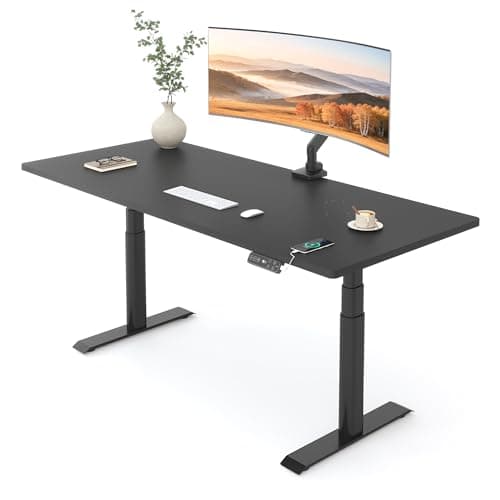
UPLUPLIFT DeskV3 Standing Desk FrameNo licensed photo yet
Best current-generation buy
The V2's replacement, and the one that will actually be in stock. UPLIFT puts the range at 22.6" to 48.7" — a lower floor than the V2, which matters more than the ceiling for most people — on the same 355 lb rating and 15-year warranty.
The same footprint and the same range as the E6, with half again the capacity, a quieter motor pair and double the frame warranty. It is the version worth the difference for most desks.
Best middle ground on price and warranty
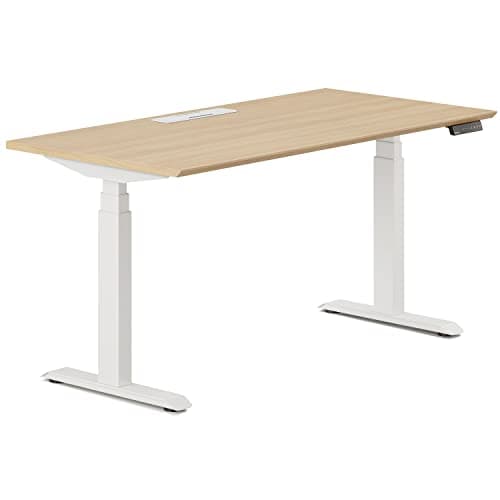
A 275 lb rating and a 27" lift range behind Branch's 10-year desk warranty, sold as one finished desk. It sits between the mass-market and premium tiers on every axis, which is exactly its appeal.
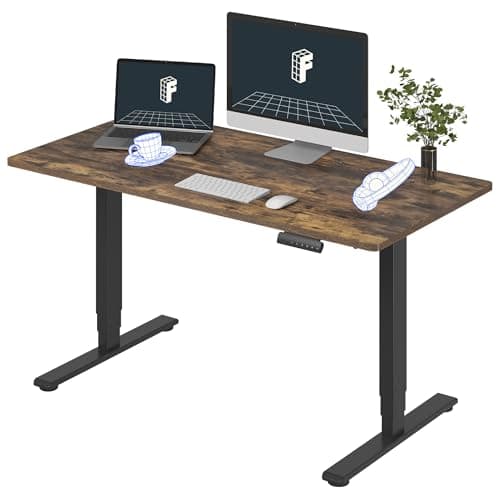
Three-stage legs, dual motors and four memory presets under a one-piece 55" top, at the price most two-stage desks ask. The 220 lb rating and the five-year frame warranty are what you give up.
6. Decide the size — depth before width
Width is what people shop for and depth is what decides whether the desk works.
A 27-inch monitor on its factory stand needs its base depth plus roughly an arm's length of viewing distance. Add a keyboard and your forearms and a 27.5-inch-deep desktop is fully committed with one screen on it. Thirty inches is what you want for two, which is why the two-monitor ranking sorts by depth rather than width. The cheap way out is a clamped monitor arm, which pushes the screens back over the rear edge and reclaims the depth a stand consumes.
On width: 48 inches is enough for one screen and a laptop, 55 to 60 is the comfortable mainstream, and past about 70 inches a new failure mode appears in the unsupported span between the legs — the 6ft page is organized around it. If the room is the constraint rather than the budget, the small-space roundup budgets the floor before the desktop.
7. Only now, the price
You should be down to a handful of desks that all fit you. Price is the tiebreaker between them, and the price-band pages are organized to be used at exactly this point rather than at the start: under $400, under $500 and under $700.
Two honest observations about what money buys here. It buys capacity and warranty scope readily — the step from 220 lb to 330 lb and from five years to ten happens inside a couple of hundred dollars. It barely buys reach at all: the FlexiSpot E6 and the E6 Pro publish the identical 23.6 to 48.8 inch range. So if your constraint is height, spending more does not solve it, and that is the single most useful thing on this page.
If the budget will not reach a desk that fits you, the right move is not a compromised desk. It is a converter on the desk you already own, which preserves a good seated position and adds a real standing one — and what $200 actually buys makes that case in full.
The four outright disqualifiers
Regardless of everything above, walk away if any of these is true.
- The listing does not publish both ends of the height range. A single "adjustable height" claim with one number is not a specification. You cannot check it against your two numbers, so it cannot be bought.
- The floor is above your seated number. Nothing fixes this. Not a keyboard tray, not a different chair. The desk simply has one usable position.
- No published lifting capacity. On the one component carrying your whole setup, a maker's silence is the finding.
- Manual crank. Works perfectly, gets used twice. A mechanism that takes forty turns kills the switching, and the switching is the product.
If you want the longer version of our reasoning, the full method and the rubric weights are published, and the main ranking applies this exact process to every desk on the site. Nothing here has been bench-tested — the one desk anyone here has lived with is an UPLIFT V2 — and every figure above is the manufacturer's published specification, cited below.